# AppCheck
[](https://pub.dartlang.org/packages/appcheck)
A Flutter plugin that allows you to check if an app is installed/enabled, launch an app and get the list of installed apps.
## Installation
First, add `appcheck` as a [dependency in your pubspec.yaml file](https://flutter.io/using-packages/).
## Methods available
- `checkAvailability(String uri)`
- `isAppInstalled(String uri)`
- `getInstalledApps()` (only for **Android**)
- `isAppEnabled(String uri)` (only for **Android**)
- `launchApp(String uri)`
## Permissions
Before using the plugin, you need to add declarations in your configuration files.
### Android
If you want to use the `getInstalledApps()` function, you need the `QUERY_ALL_PACKAGES` permission.
```xml
```
If you only want to check certain apps and you know the packageName, add them via queries in AndroidManifest.xml.
```xml
```
### iOS
Make sure your `Info.plist` file includes the necessary URL schemes under `LSApplicationQueriesSchemes` to check and launch other apps:
```xml
LSApplicationQueriesSchemes
scheme1
scheme2
```
Example:
```xml
LSApplicationQueriesSchemes
fb
twitter
instagram
whatsapp
youtube
comgooglemaps
http
https
mailto
```
Check out [Example](https://github.com/Yash-Garg/appcheck/blob/develop/example/lib/main.dart).
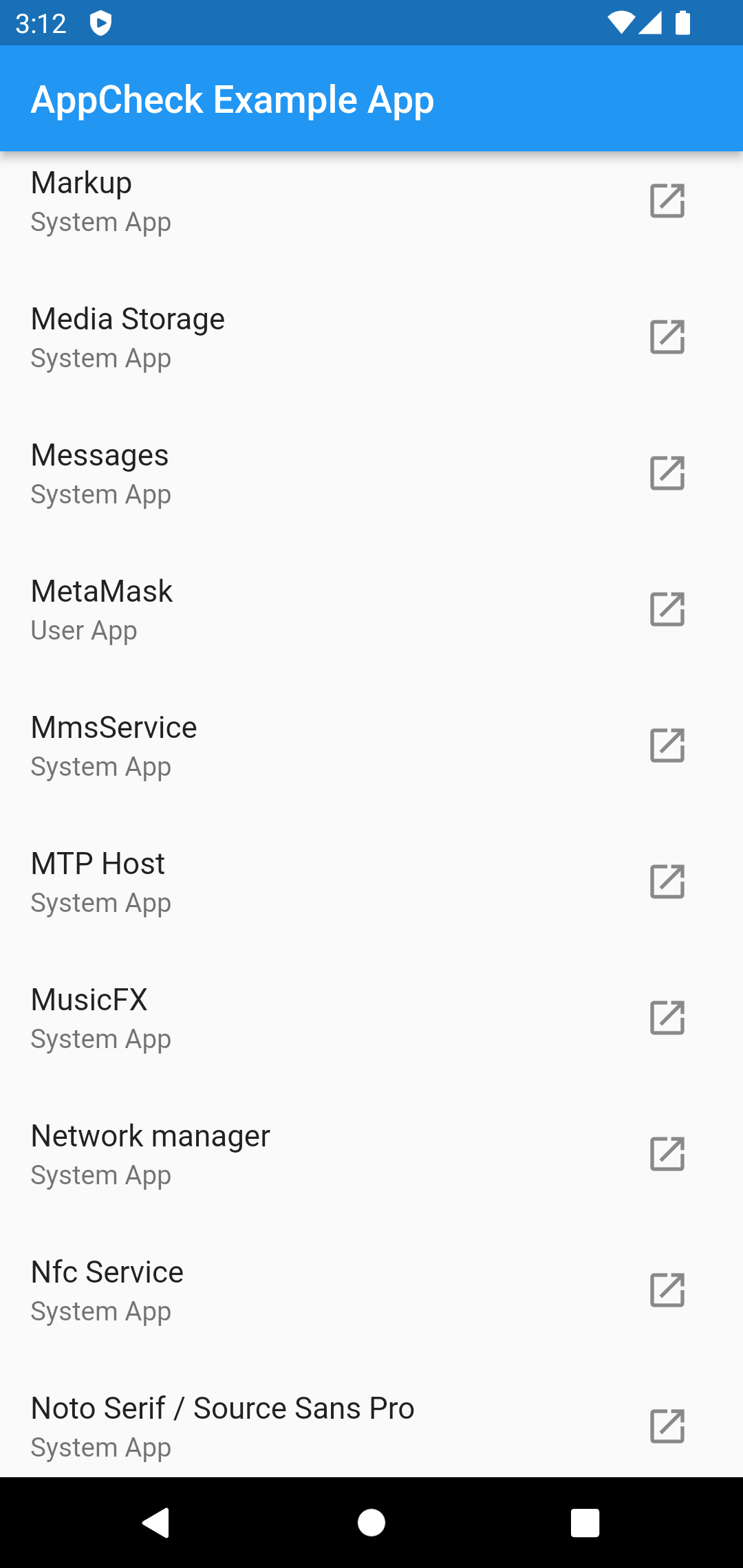
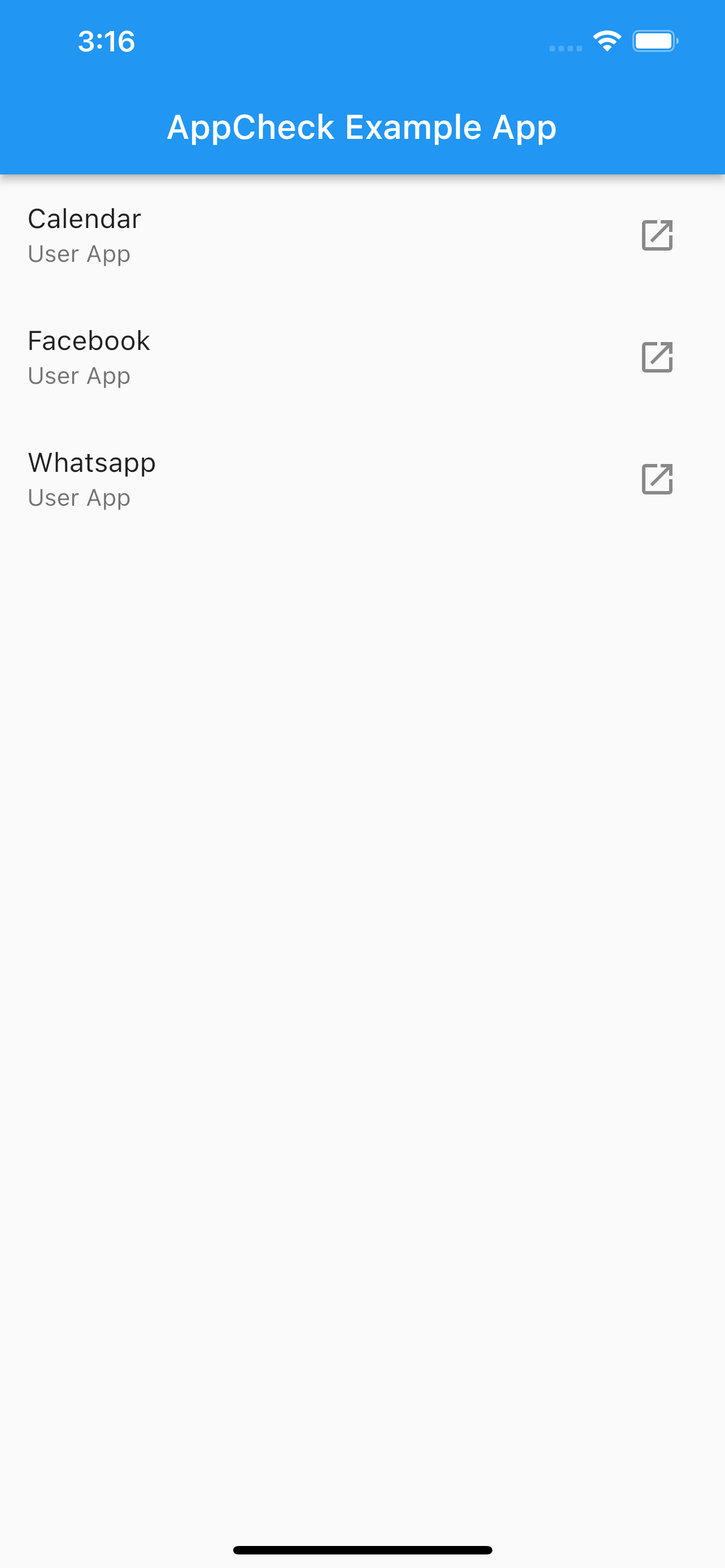
## Screenshots